


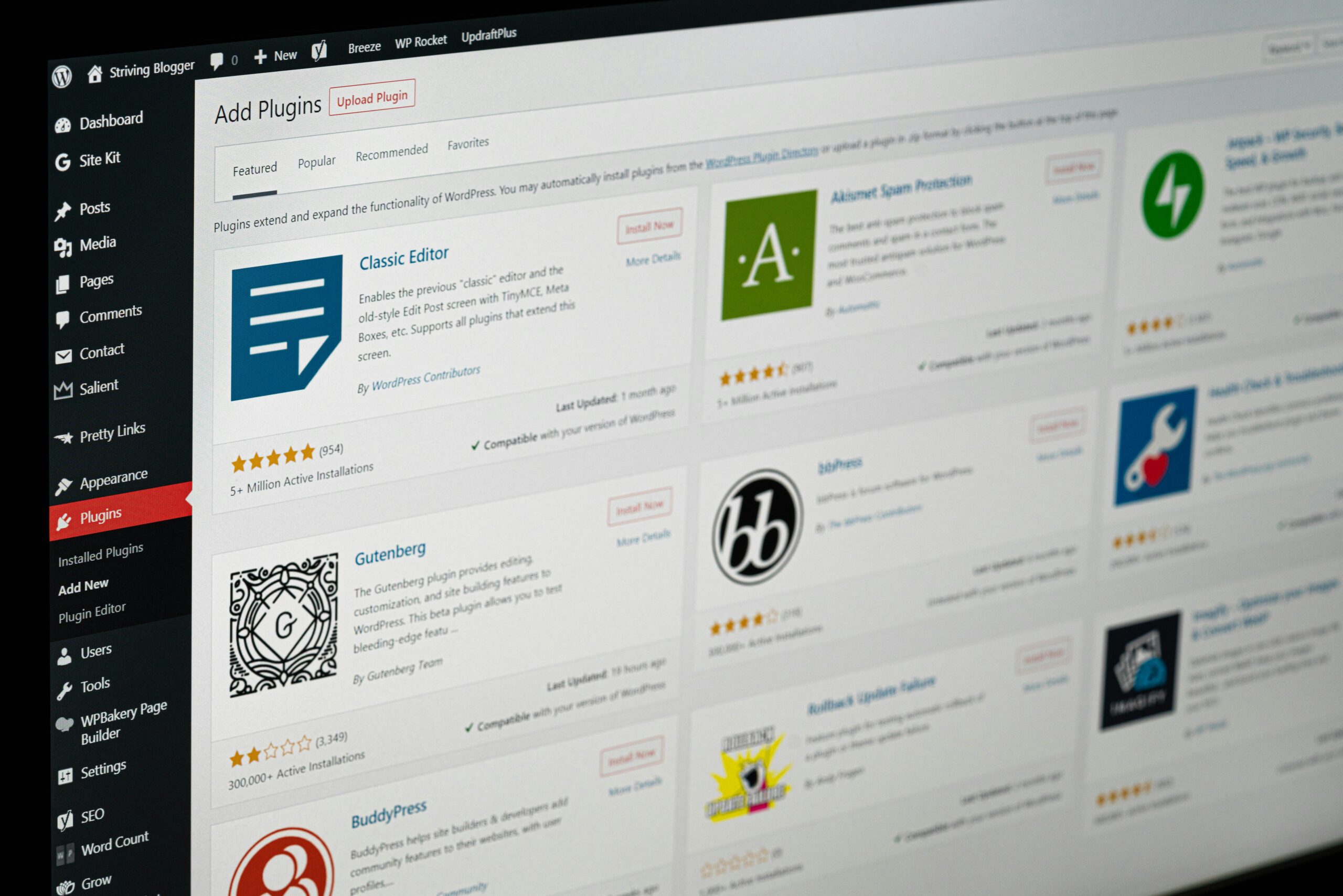
5 WordPress Plugins That Actually Move the Needle for Your Business
Look, we’ve been in the web development game for over 20 years, and we’ve seen a lot of WordPress sites come and go. The difference between websites that actually grow businesses and those that just sit there looking pretty? It usually comes down to the tools working behind the scenes.
Whether you’re running a local GTA business or serving customers globally, WordPress gives you incredible flexibility. But here’s the thing—out of the thousands of plugins available, most are either unnecessary bloat or solving problems you don’t actually have. After two decades of building sites that convert, we’ve narrowed it down to five plugins that consistently deliver real business value.
1. Rank Math SEO: Your Digital Visibility Game-Changer

What it does: Rank Math is your all-in-one SEO command center. Content analysis, schema markup, rank tracking, technical SEO management—it handles the stuff that makes search engines actually notice your website.
Why you need it: Here’s the reality check—you could have the best product or service in your industry, but if people can’t find you online, it doesn’t matter. We’ve learned that businesses often focus on making their website look amazing while completely ignoring whether anyone can actually discover it.
Real-world impact: For local businesses throughout the GTA, we use Rank Math’s local SEO features to help them dominate “near me” searches. The plugin’s AI-powered content suggestions and schema markup help websites show up with those rich snippets you see in search results—you know, the ones with star ratings, business hours, and contact info that make people actually click.
The best part? Rank Math doesn’t assume you’re an SEO expert. It guides you through optimization with clear, actionable recommendations that actually make sense.
2. LiteSpeed Cache: Speed That Your Customers Will Notice

What it does: LiteSpeed Cache transforms your WordPress site into a speed demon through server-level caching, image optimization, and database cleanup. Think enterprise-level performance without the enterprise price tag.
Why you need it: Every extra second your site takes to load costs you money. We’re not being dramatic here—it’s been proven over and over. Visitors expect instant gratification, and search engines reward fast sites with better rankings.
What we’ve seen: After implementing LiteSpeed Cache, we’ve watched sites go from sluggish to lightning-fast. We’re talking about speed improvements that customers actually notice—pages that load before they finish clicking.
For businesses showcasing visual content (think real estate, retail, restaurants), LiteSpeed’s image optimization is a game-changer. You get to keep those high-quality photos that sell your products without sacrificing the speed that keeps visitors engaged.
Pro tip: The plugin’s critical CSS generation ensures your above-the-fold content appears instantly. This means visitors see your value proposition immediately, not a blank screen while everything loads.
3. Wordfence Security: Protecting Your Digital Investment

What it does: Wordfence provides comprehensive security through firewall protection, malware scanning, login security, and real-time threat monitoring.
Why you need it: A security breach can destroy years of hard work overnight. Lost data, downtime, damaged reputation—it’s a nightmare scenario that’s completely preventable.
Our approach: We start every client with Wordfence’s robust free version, which provides excellent baseline protection. As businesses grow or move into sensitive industries, we can upgrade to premium features like real-time IP blacklisting and advanced country blocking.
This staged approach means every business gets solid protection within their current budget, with room to enhance security as they scale. No business is too small to take security seriously, but not every business needs enterprise-level features from day one.
4. WPForms: Turning Visitors Into Actual Customers
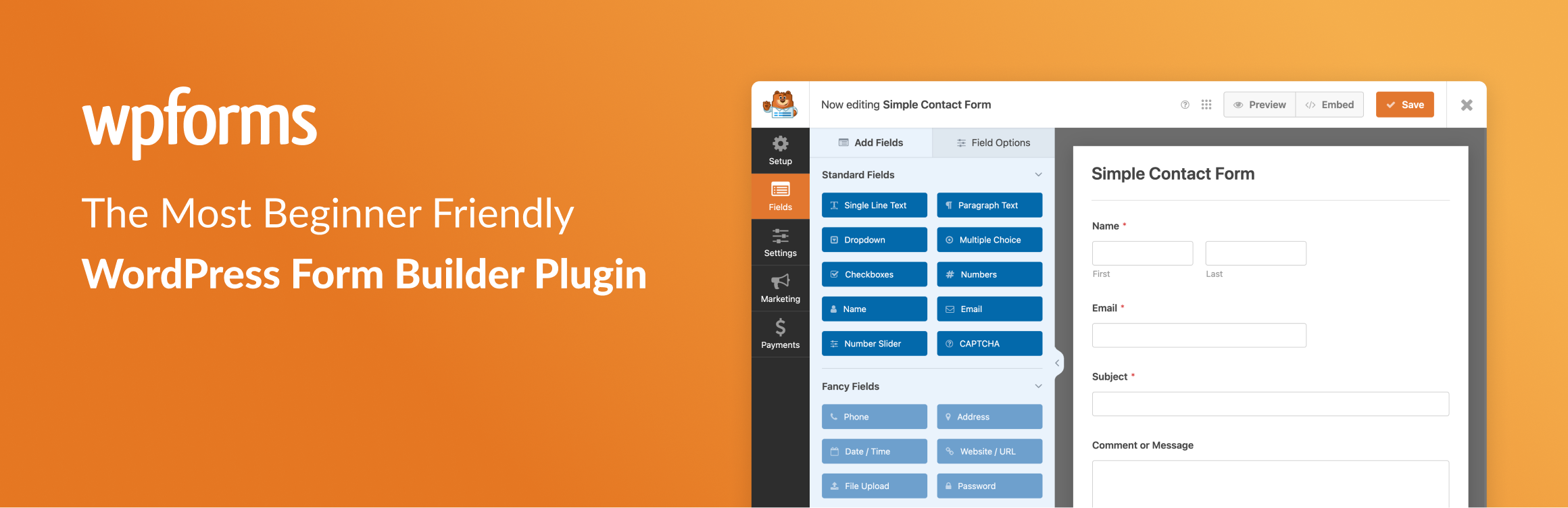
What it does: WPForms is a drag-and-drop form builder that creates everything from simple contact forms to complex surveys, payment forms, and registration systems.
Why you need it: Your website’s job isn’t just to look professional—it’s to generate leads and sales. WPForms makes it easy to capture visitor information and convert browsers into buyers.
How we use it: Strategic form placement and design can make or break your conversion rates. We customize WPForms to match client branding while implementing conditional logic that creates personalized experiences based on what visitors select.
Whether you’re a Toronto contractor collecting project inquiries or a SaaS company serving global markets, the right forms at the right moments turn website traffic into revenue.
5. Advanced Custom Fields Pro: Content Management That Actually Makes Sense
What it does: ACF Pro extends WordPress beyond basic pages and posts, allowing you to create custom content structures tailored to your specific business needs.
Why you need it: Standard WordPress works great for blogs, but most businesses need more flexibility. ACF Pro lets you create intuitive, custom admin interfaces that match how you actually think about your content.
Real applications: We’ve built property listing systems for real estate agents, service catalogs for contractors, team member profiles for professional services, and product showcases for manufacturers—all within WordPress, all easy for clients to manage themselves.
The beauty of ACF Pro lies in separating your content from your design. Your valuable business information stays organized and reusable, even when you decide to refresh your website’s look. Plus, content editors can update complex page elements without accidentally breaking anything or needing to call us every time they want to add a team member.
Beyond the Big Five: Strategic Plugin Selection
These five plugins form our core toolkit, but depending on your business model, you might also benefit from:
- WooCommerce for selling products online
- MonsterInsights for understanding visitor behavior
- Smush for additional image optimization
- UpdraftPlus for automated backups
- Yoast SEO as a solid alternative to Rank Math
Our Plugin Philosophy: Quality Over Quantity
After 20 years of building WordPress sites, we’ve learned that more plugins doesn’t mean better performance. In fact, plugin bloat is one of the fastest ways to slow down your site and create security vulnerabilities.
Here’s how we approach plugin selection:
Audit first, install second. We identify your actual business needs before adding any functionality. Every plugin should solve a real problem or create measurable value.
Monitor performance impact. We test how each plugin affects your site speed and user experience. A plugin that slows your site down probably isn’t worth the features it provides.
Regular maintenance matters. Keeping plugins updated isn’t just about getting new features—it’s essential for security and compatibility.
Integration over isolation. The best plugins work together seamlessly. We configure everything to support your broader marketing and business goals, not just exist as isolated features.
The Bottom Line
The right WordPress plugins can transform your website from a digital business card into a revenue-generating machine. But the key word there is “right”—strategic selection based on your actual business needs, not just what sounds cool or what everyone else is using.
Whether you’re a local GTA business looking to dominate neighborhood searches or a company serving markets worldwide, these five plugins provide a solid foundation for growth. The difference is in how they’re configured, integrated, and maintained as part of a cohesive digital strategy.
That’s where our 20 years of experience really pays off. We don’t just install plugins—we implement them as part of a system designed to help your business grow.

Ready to transform your digital presence with 20 years of expertise?
Start your project by filling out our questionnaire and help us understand your goals.
Get Started with Our Questionnaire
or reach out directly
Phone: 416-561-5793
Email: info@skylinecoders.ca